Pipar Keyboards

Entry

004

Split keyboard with trackpoint · 2026

Pipar Point
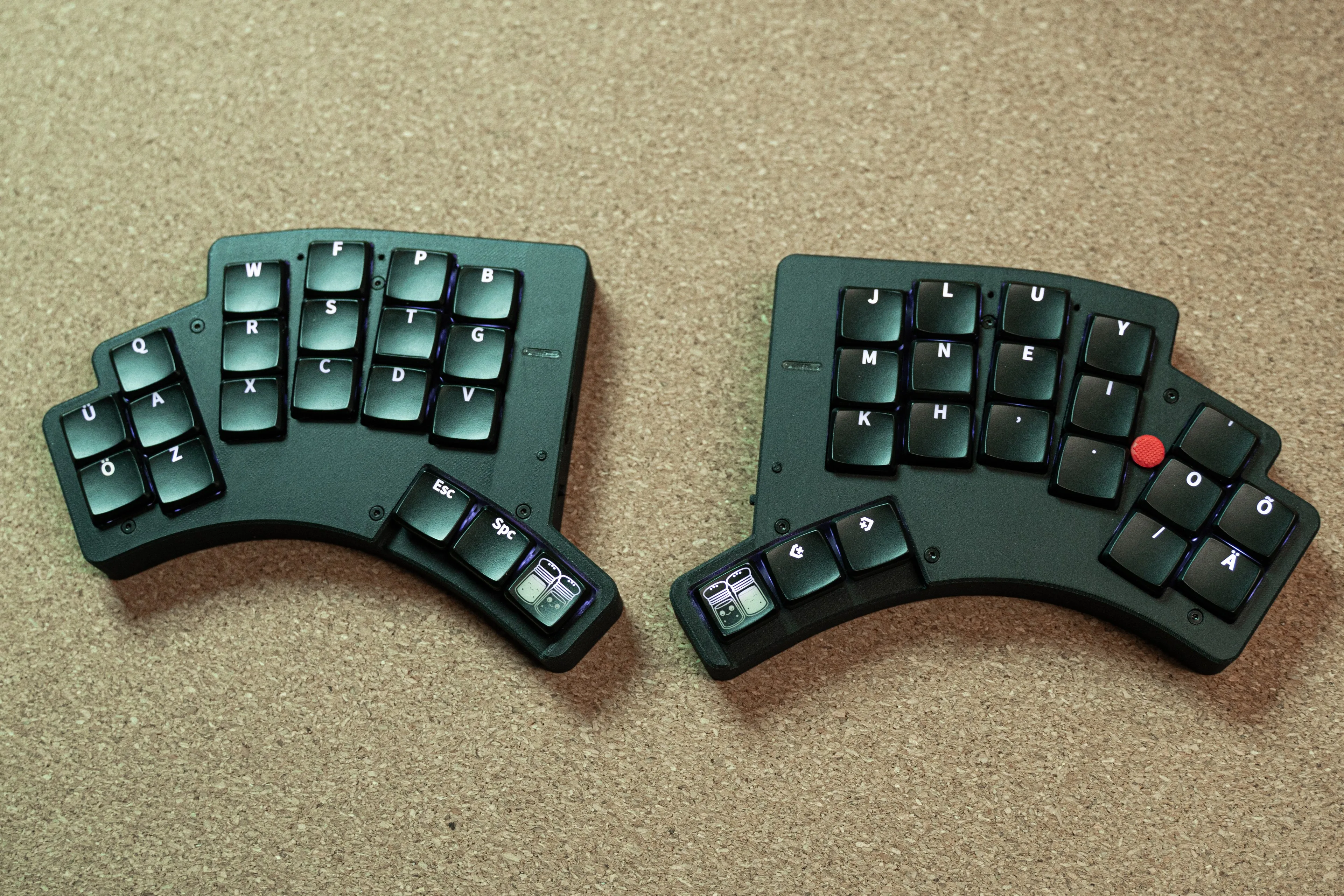
Pipar Point split halves side by side on a cork mat, with black 3D-printed cases, backlit Colemak-DH keycaps with Estonian letters, and a red trackpoint nub on the right half
Fig. 004.0photo

40 keys and a Sprintek trackpoint, for mouse control without leaving the home row.

An iteration on Pipar Sool with a Sprintek trackpoint on the right half, split pinkie clusters with extra keys for macros or foreign letters, and LEDs for visual feedback. The 3D-printed case doubles as the top plate, stiffening the build and hiding the trackpoint mounting, and the battery grows to 2500 mAh to cover the trackpoint and LEDs. Currently in regular use; firmware actively maintained.

Status: In daily use · PCBs by PCBWay

§ Specification

Technical · revision v3.1
Layout
3 × 5 + 3 + 2 (40 keys)
MCU
ISP1807 (nRF52840 SiP), both halves
Pointing device
Sprintek trackpoint, right side
Battery
2 × 2500 mAh LiPo
Mounting
Magsafe attach · rubber feet
Firmware
ZMK (with PS/2 mouse driver)

§ Plates

8 additional figures
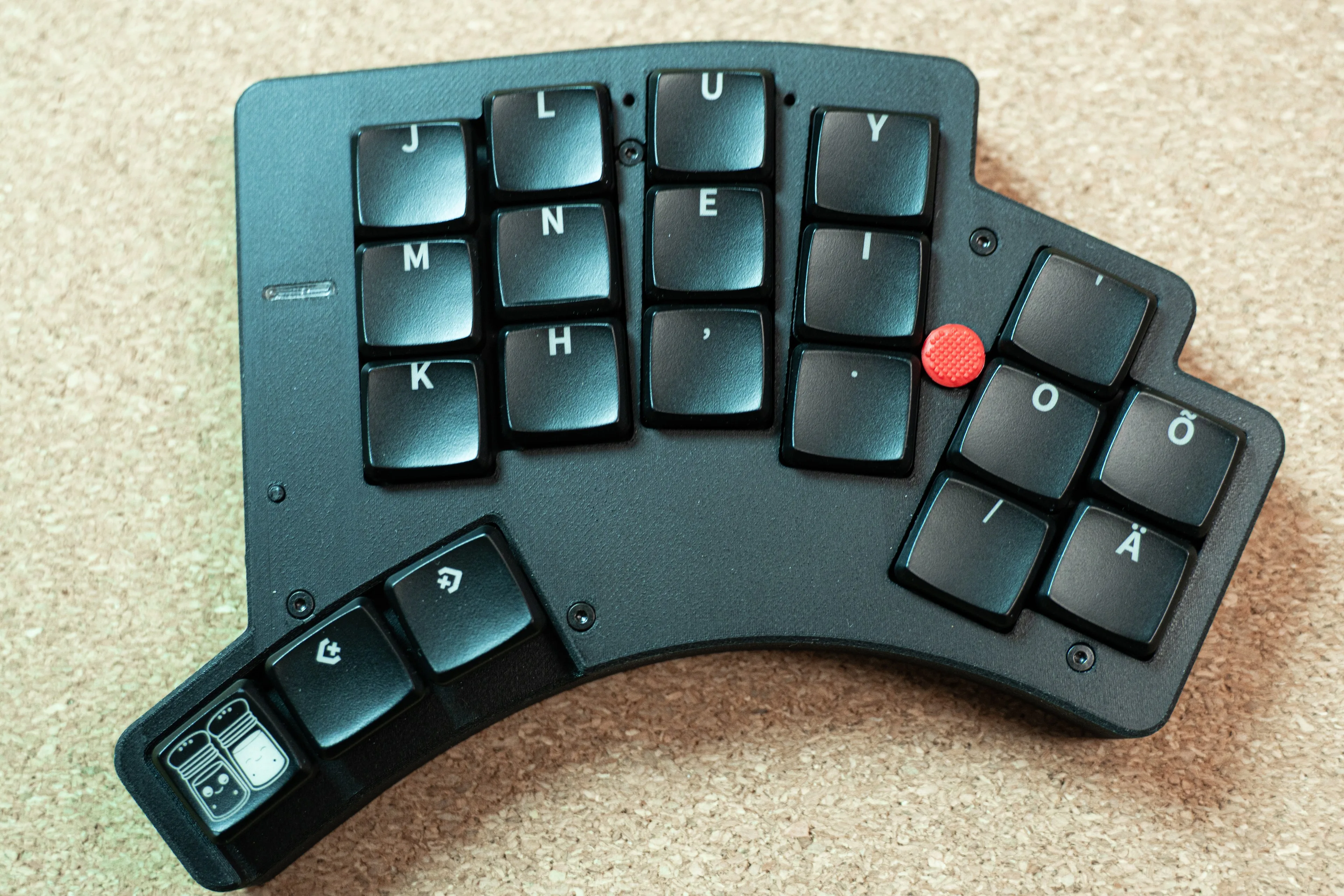
Pipar Point right half from above, with the red trackpoint between the home-row keys and the split pinkie cluster carrying Ö, Õ and Ä
Fig. 004.1photo
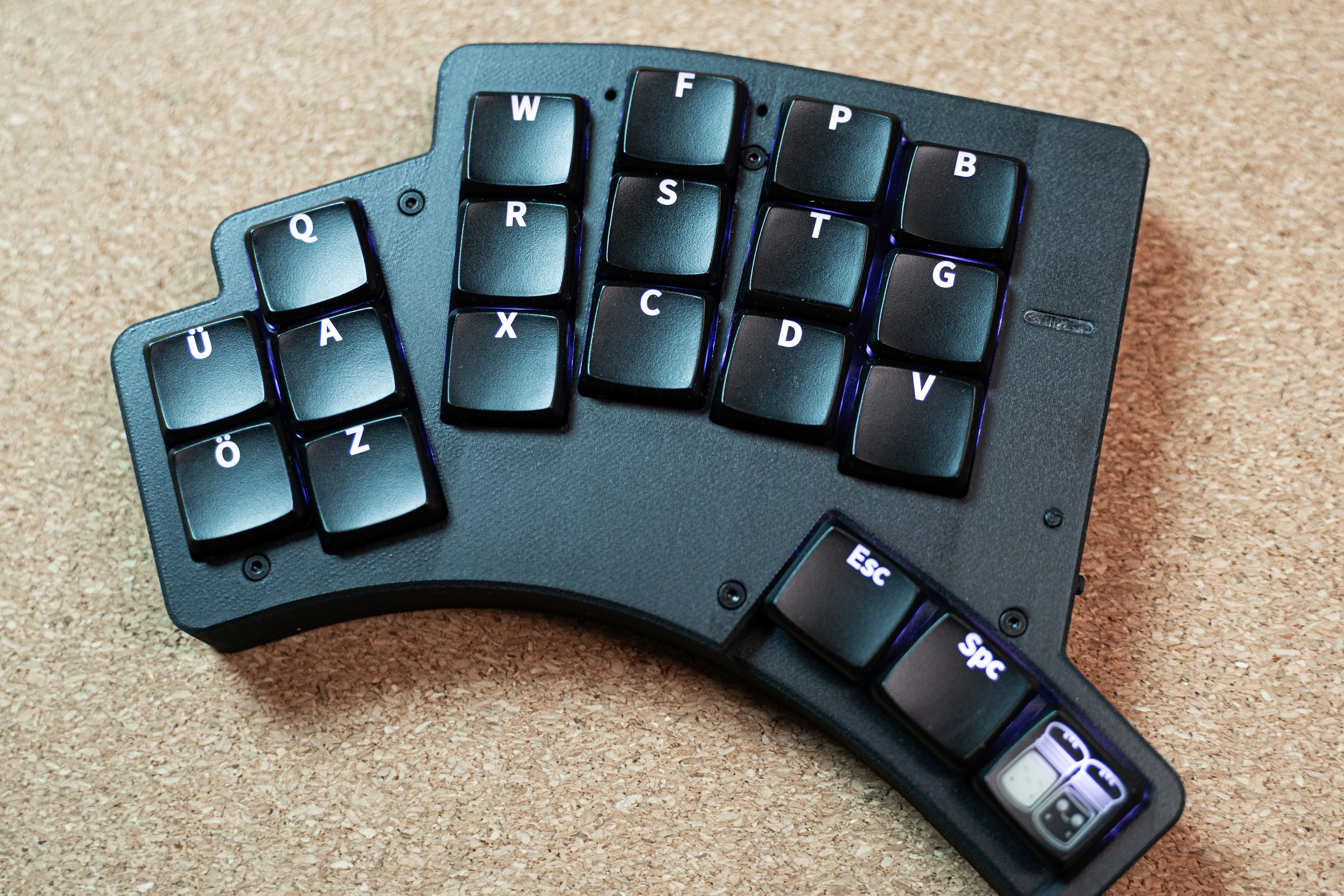
Pipar Point left half from above, with purple backlighting glowing under the keycaps and the split pinkie cluster carrying Ü, Ä and Ö
Fig. 004.2photo
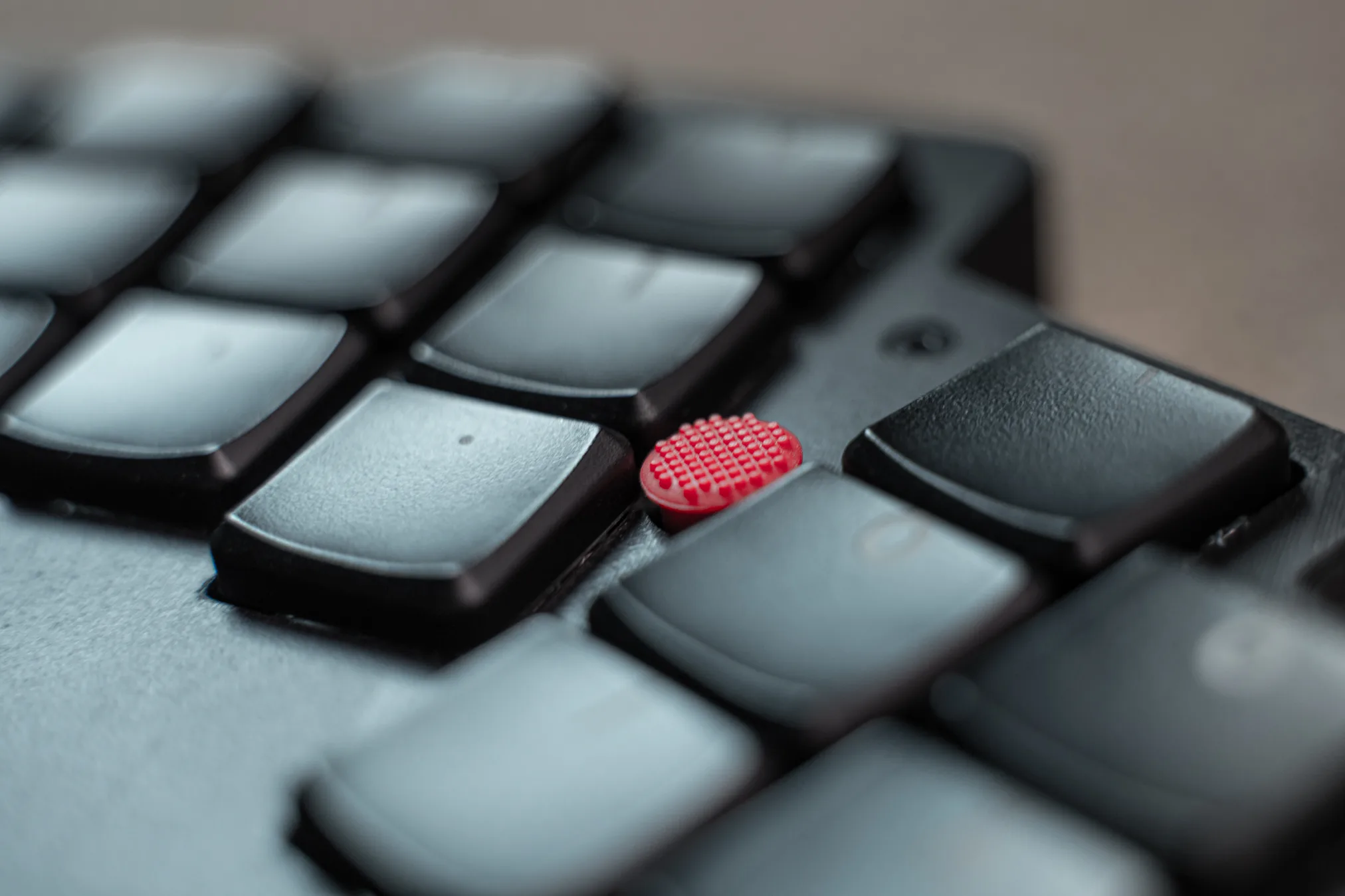
Close-up of the red Sprintek trackpoint cap nestled between the keycaps on the right half
Fig. 004.3photo
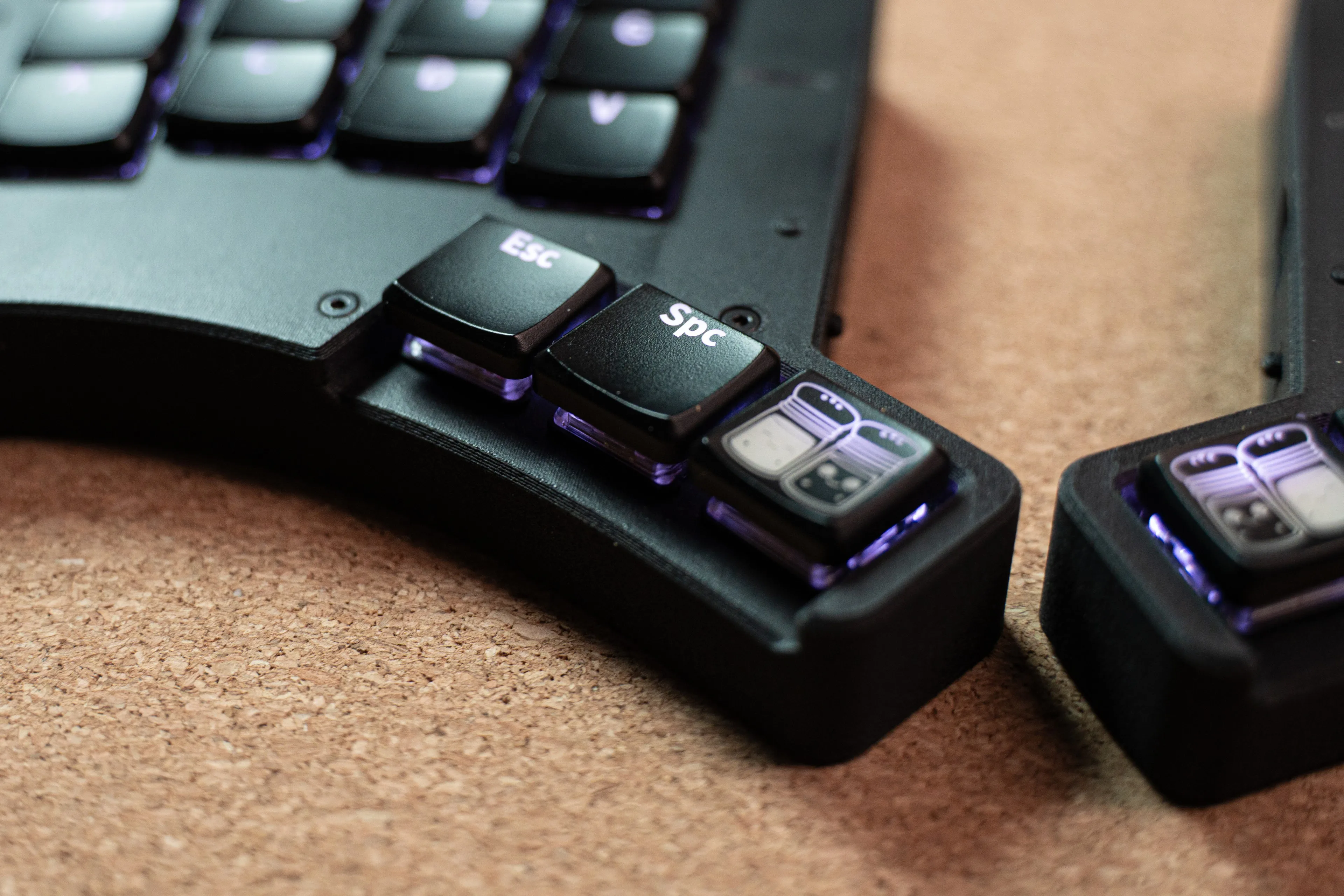
Close-up of the left thumb cluster, lit from below: Esc, Space and a pepper-and-salt logo key
Fig. 004.4photo
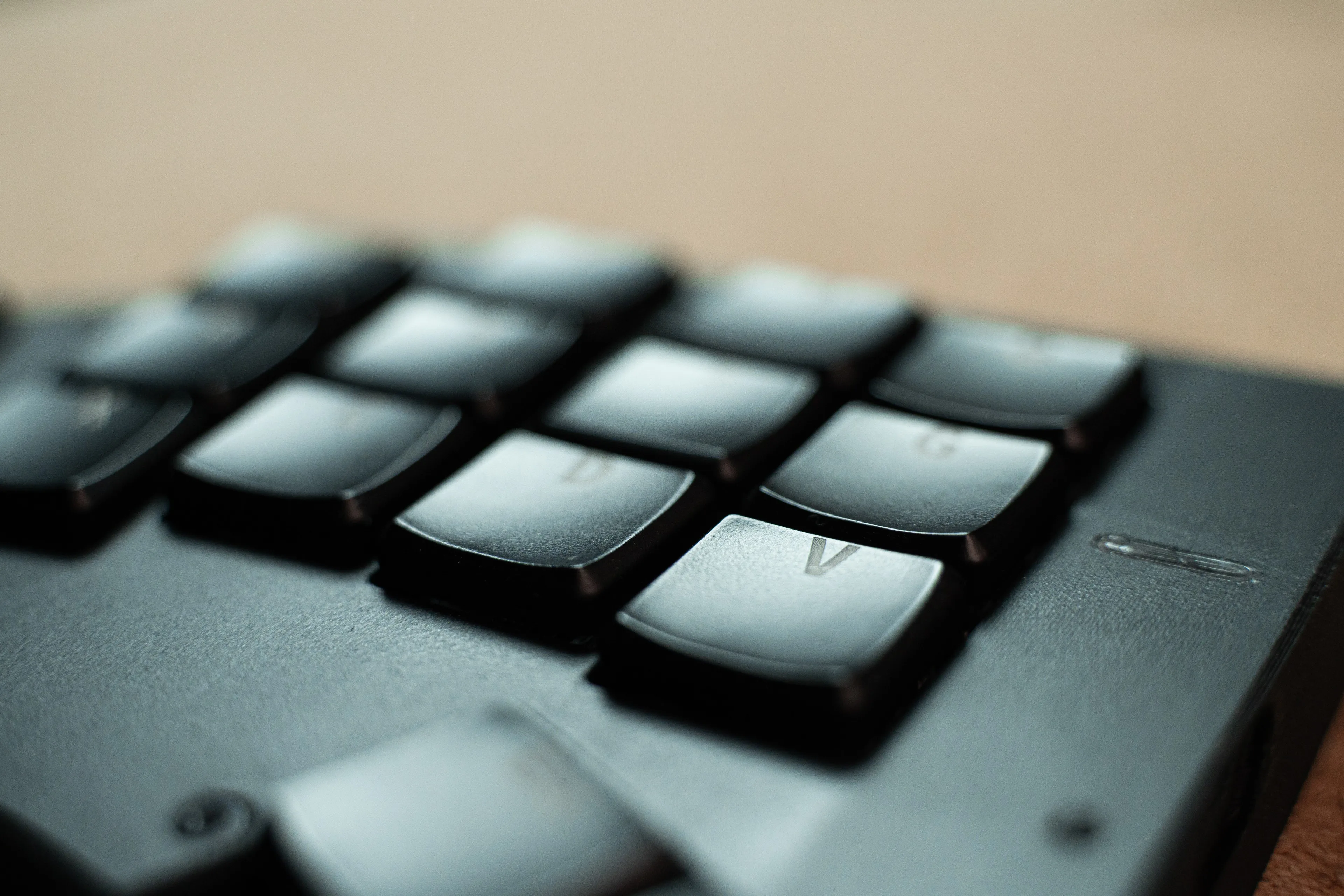
Low-angle close-up across the left half's keycaps and the textured printed top plate
Fig. 004.5photo
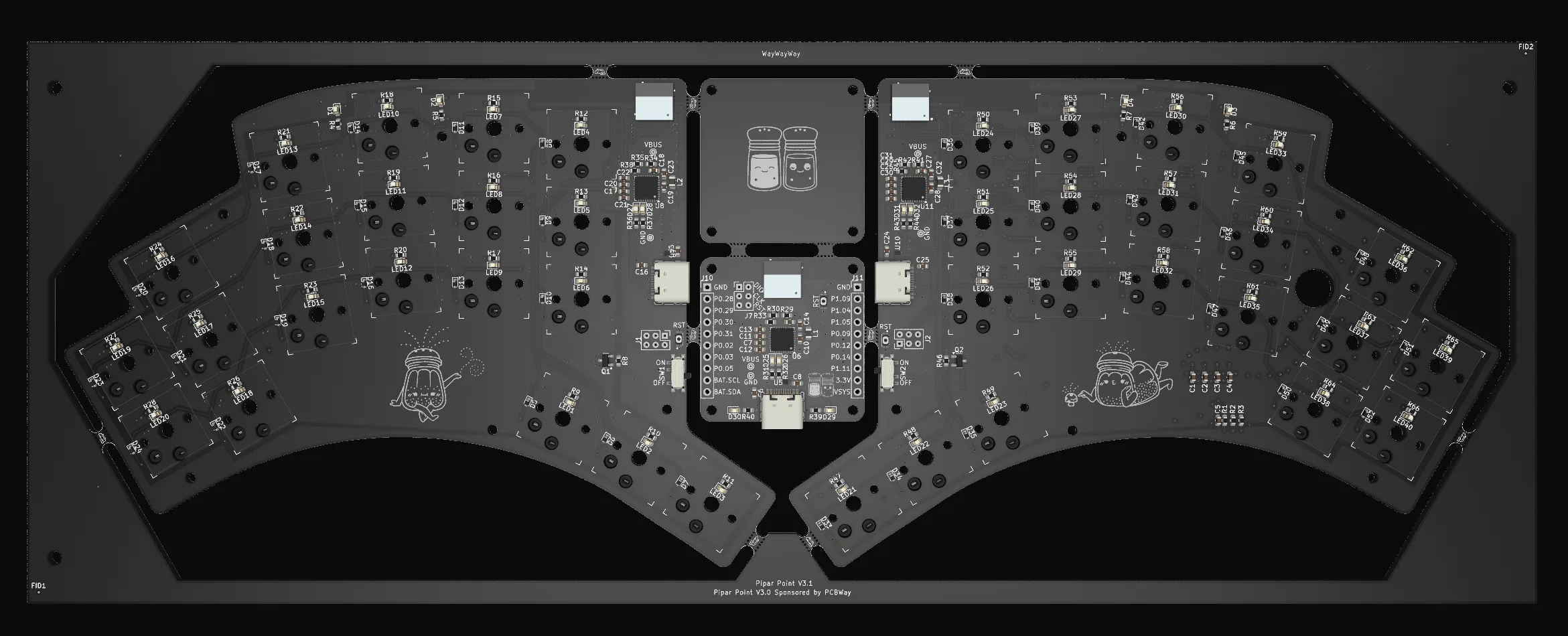
Pipar Point PCB render, top view showing splayed split layout
Fig. 004.6render
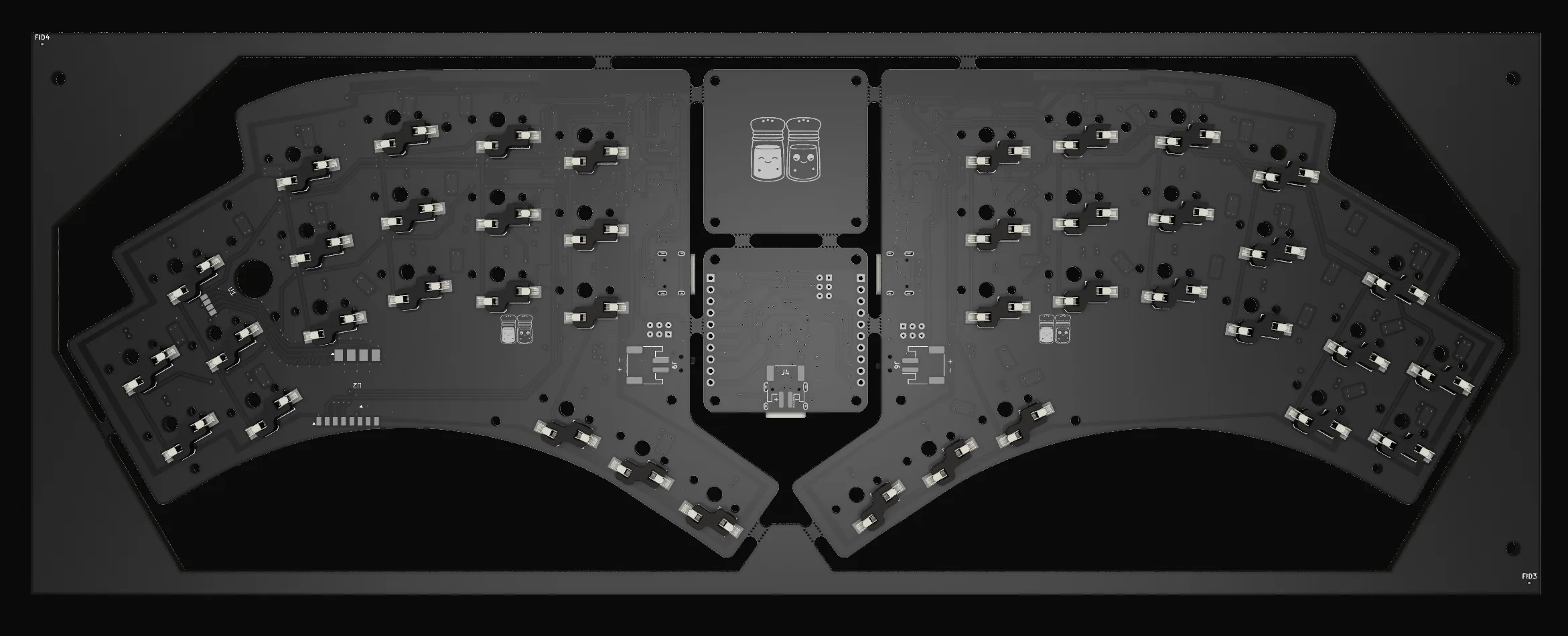
Pipar Point PCB render, back
Fig. 004.7render
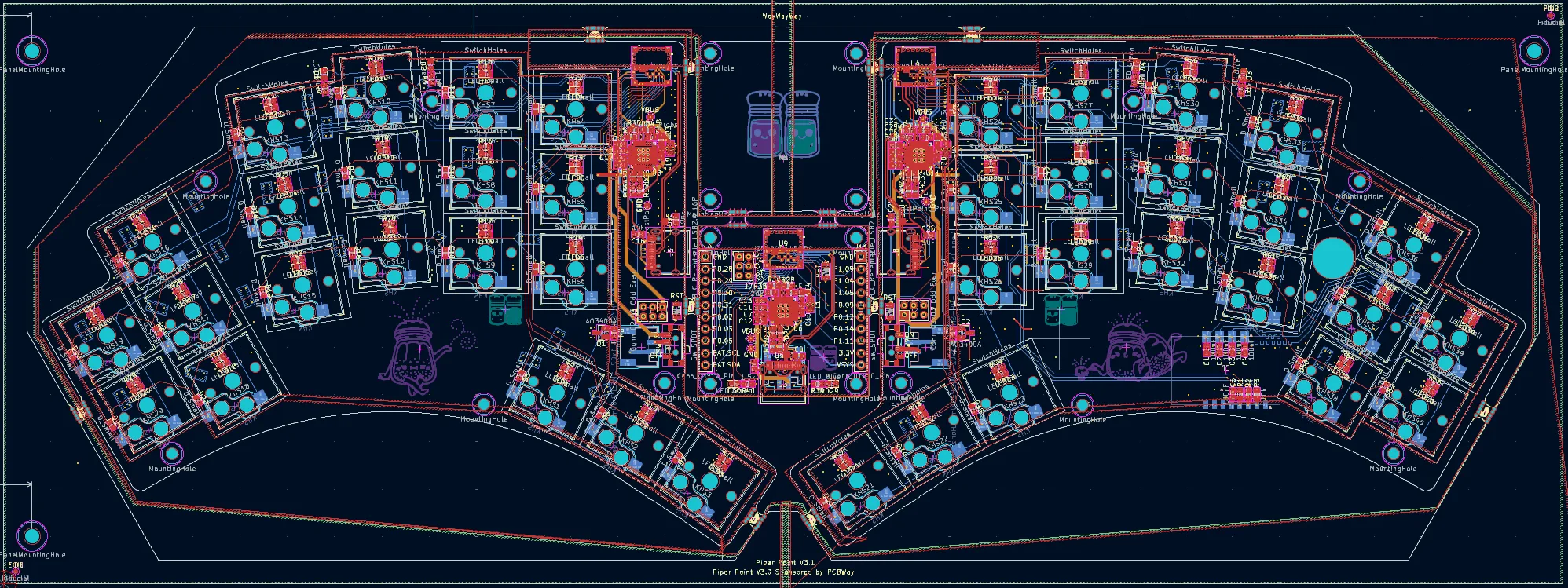
Pipar Point PCB layout in KiCad, both halves with routed traces
Fig. 004.8diagram